Jellyfin
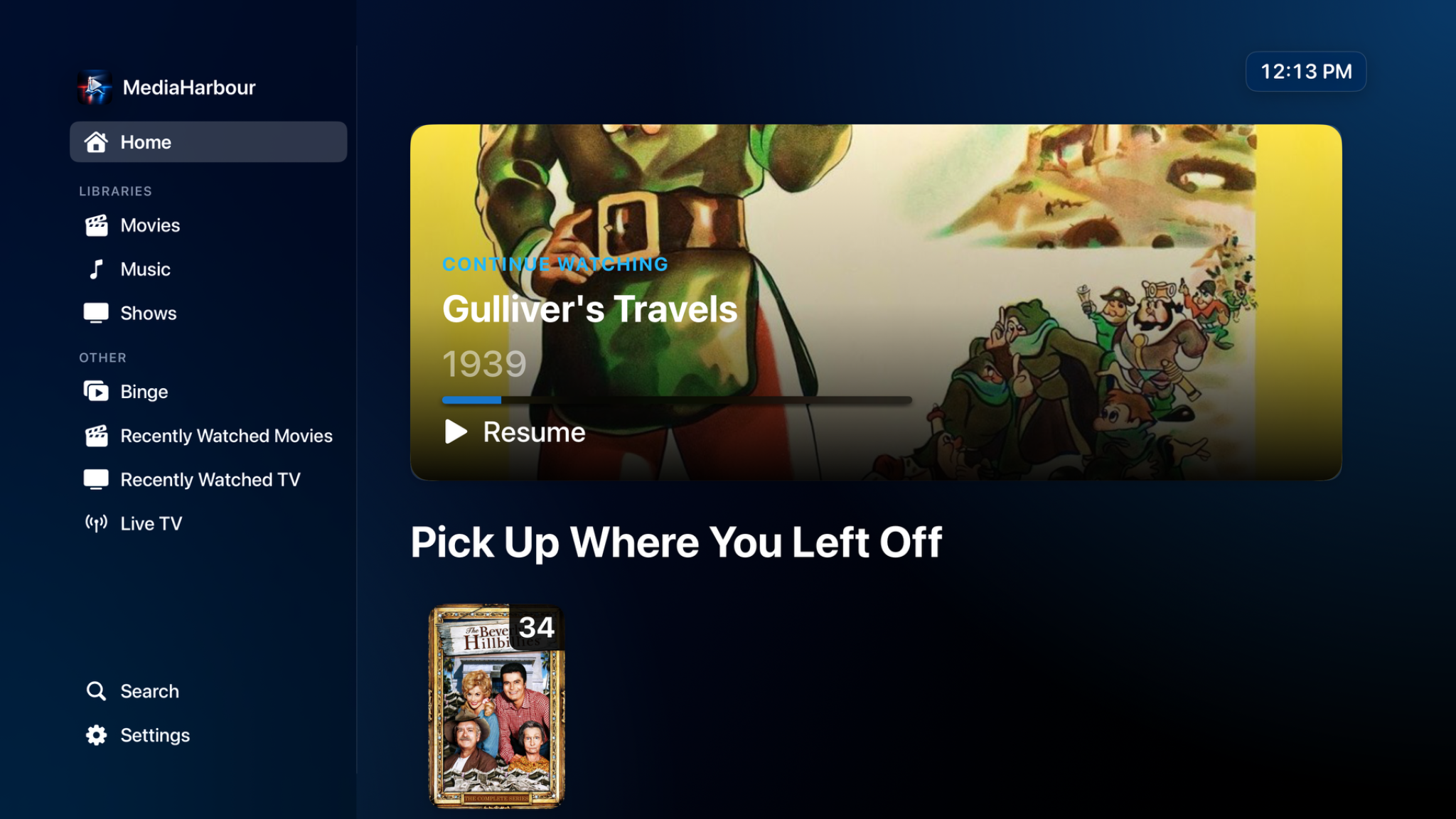
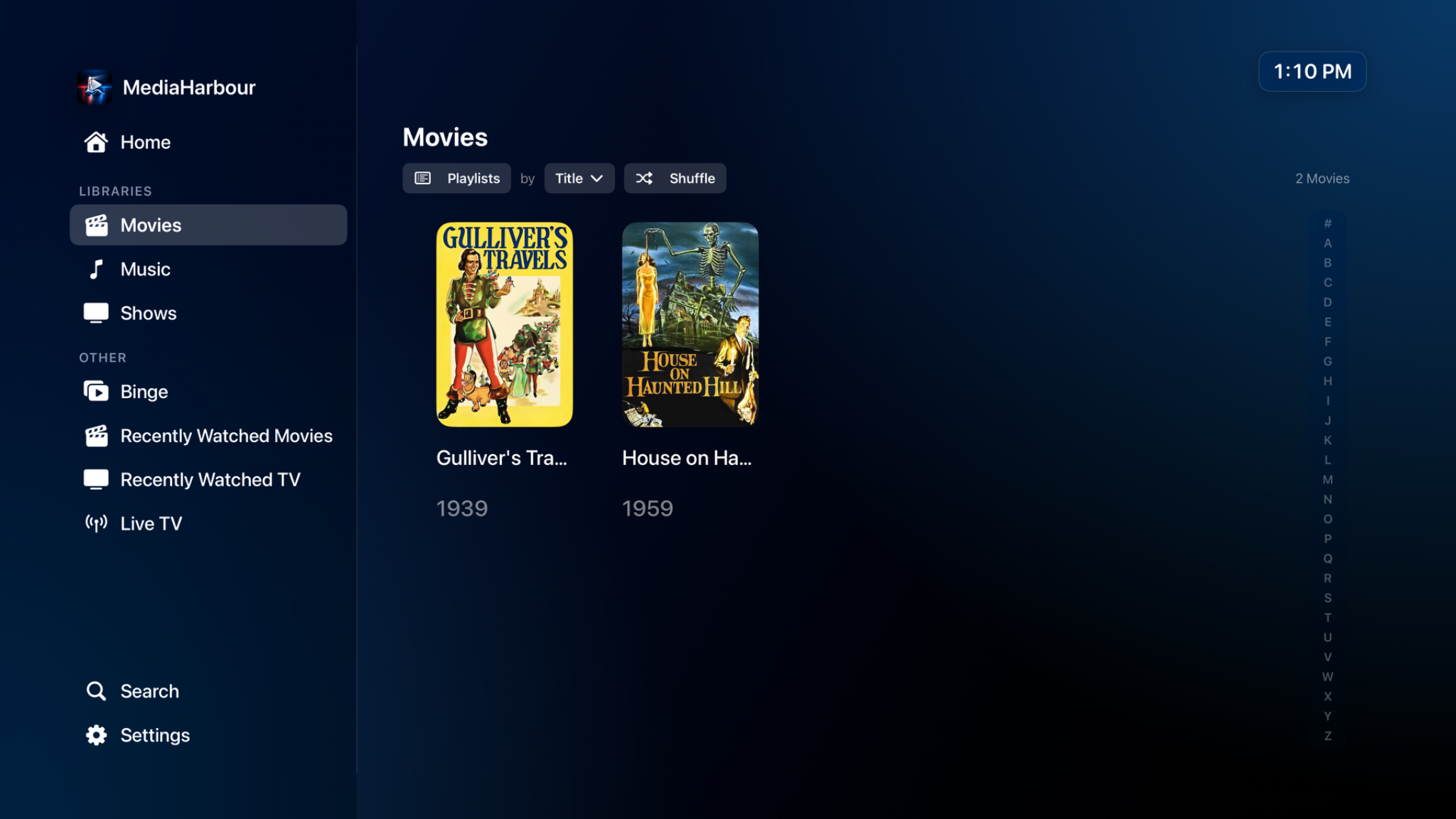
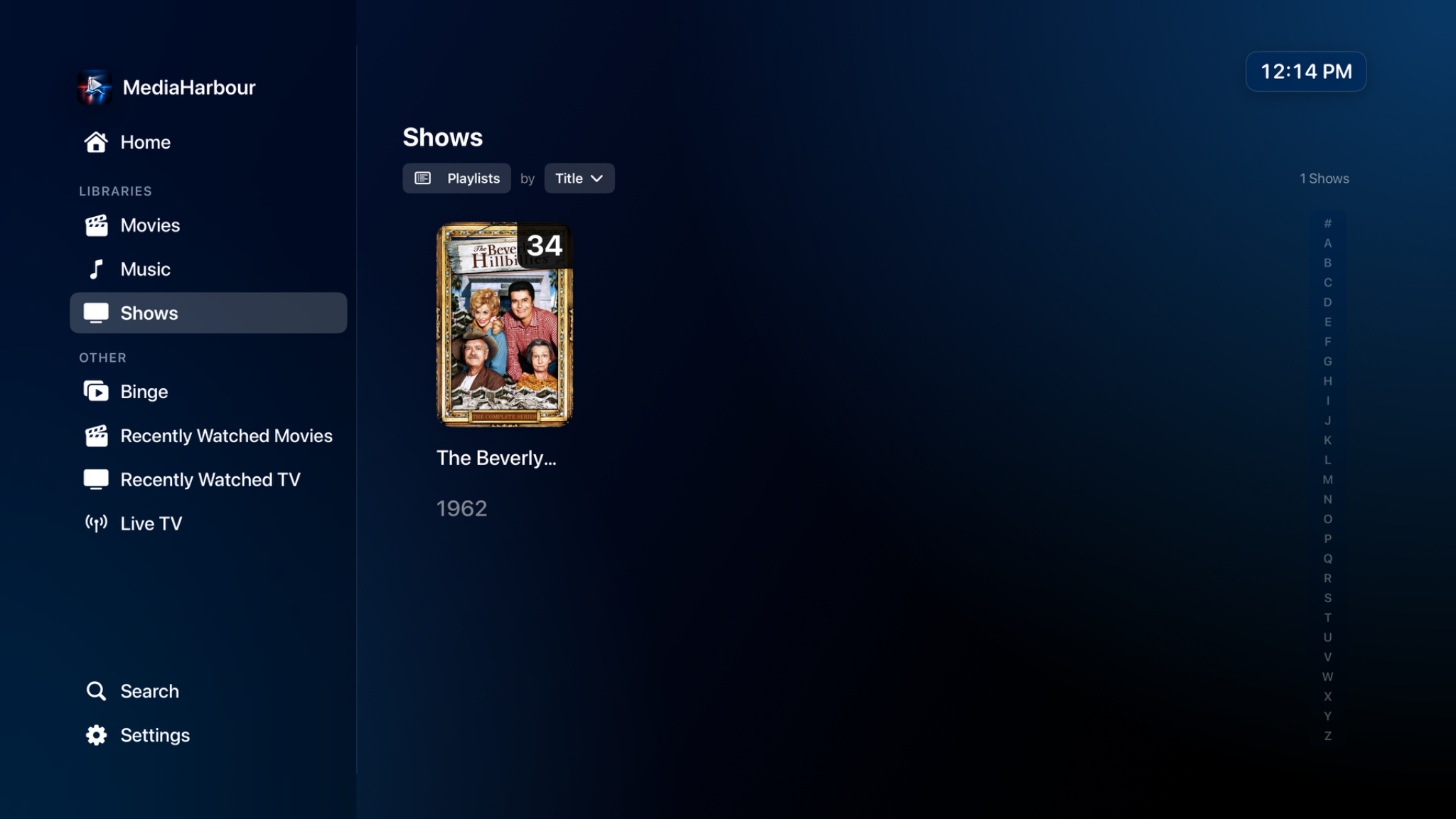
Connect to a user-owned Jellyfin server, browse libraries, continue watching, search, and play your collection.
MediaHarbour is a clean, TV-first client for your own Jellyfin server, with optional M3U and XMLTV IPTV support.

A big-screen experience built around your own media server and the sources you choose.
Connect to a user-owned Jellyfin server, browse libraries, continue watching, search, and play your collection.
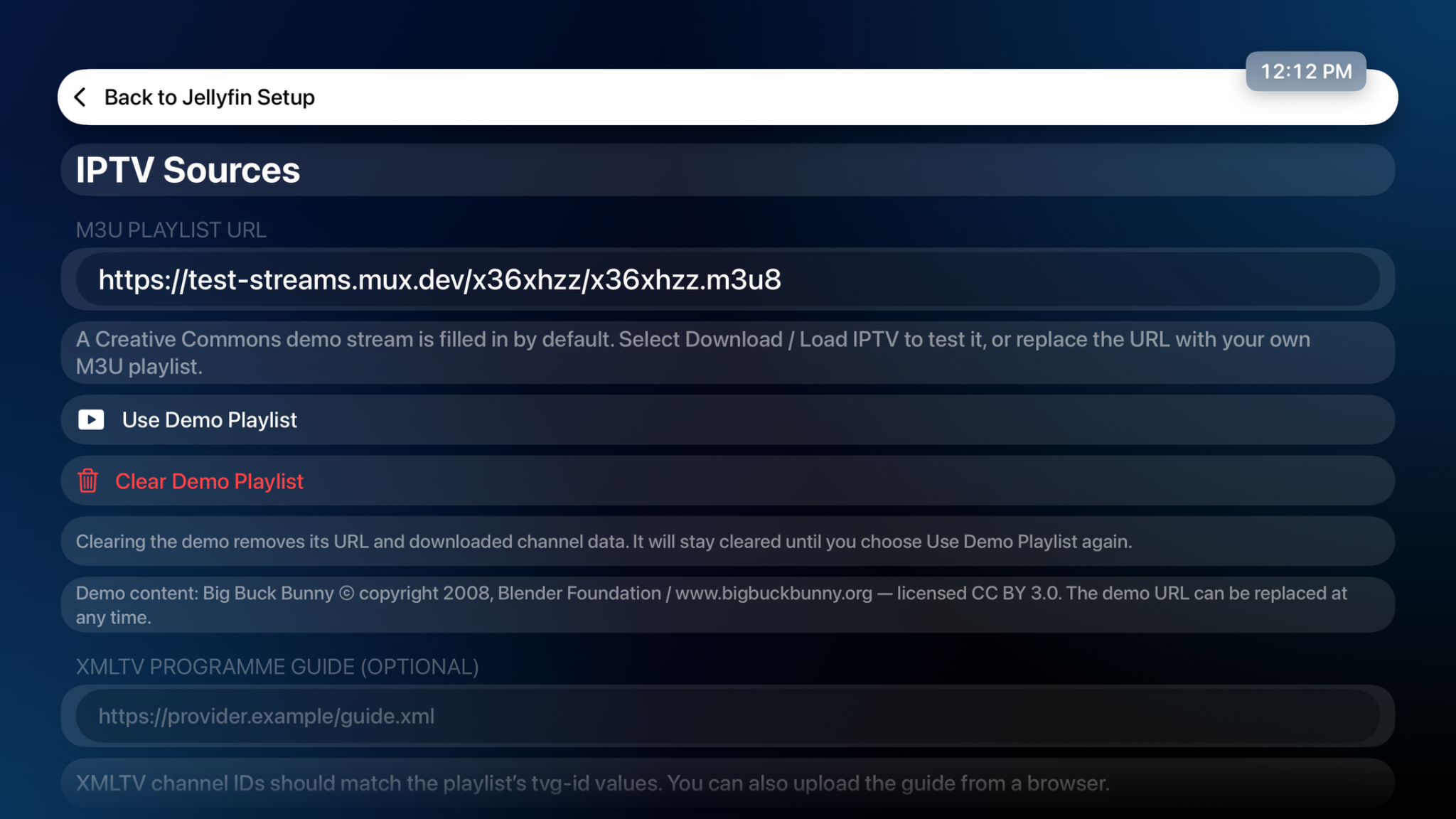
Load your own M3U playlist with optional XMLTV programme data. A Creative Commons demo is provided for testing.
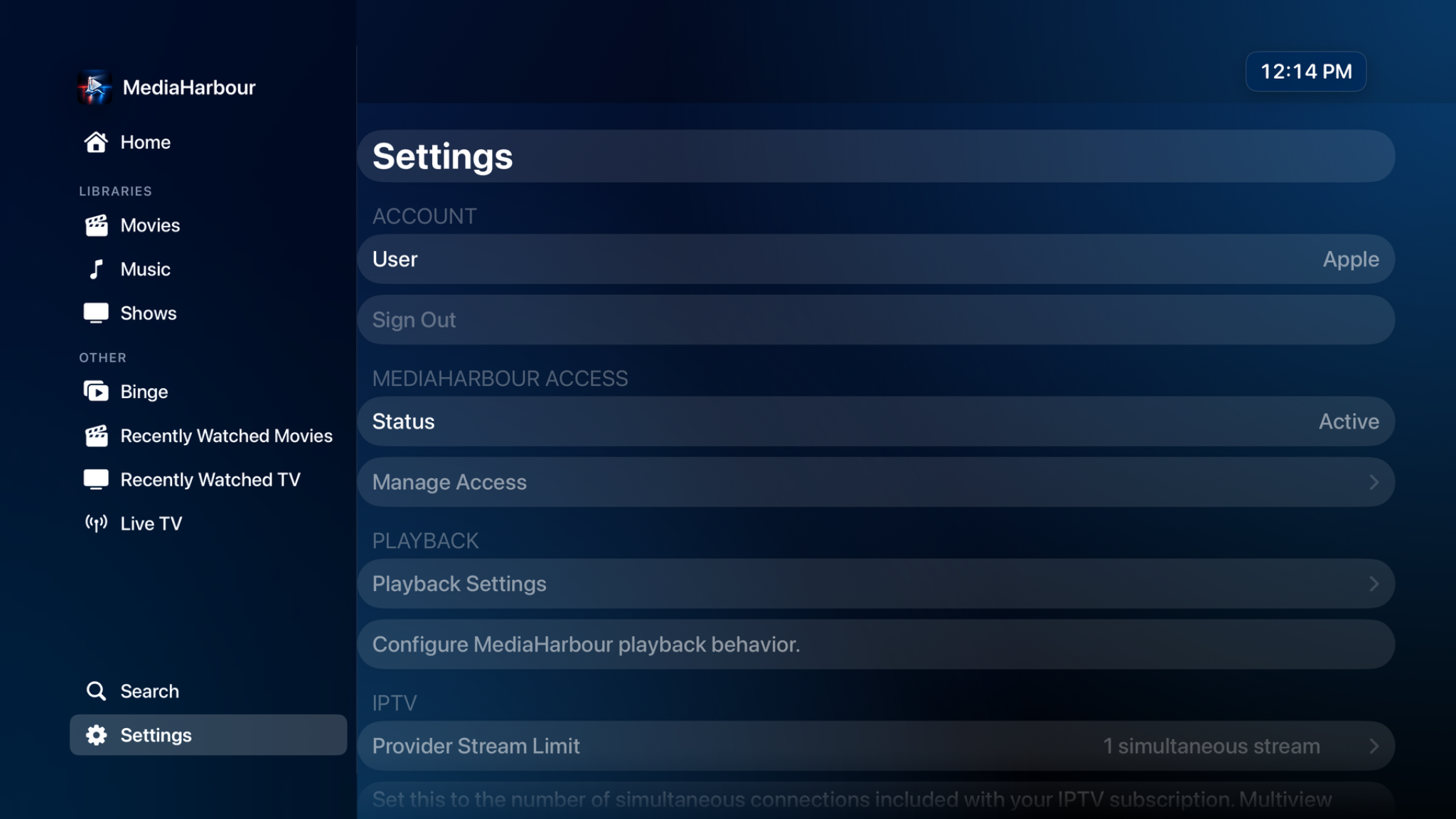
A remote-friendly interface with large artwork, focus navigation, playback controls, library customization, and multiview.

A look at the home screen, libraries, setup, and settings in the tvOS app.
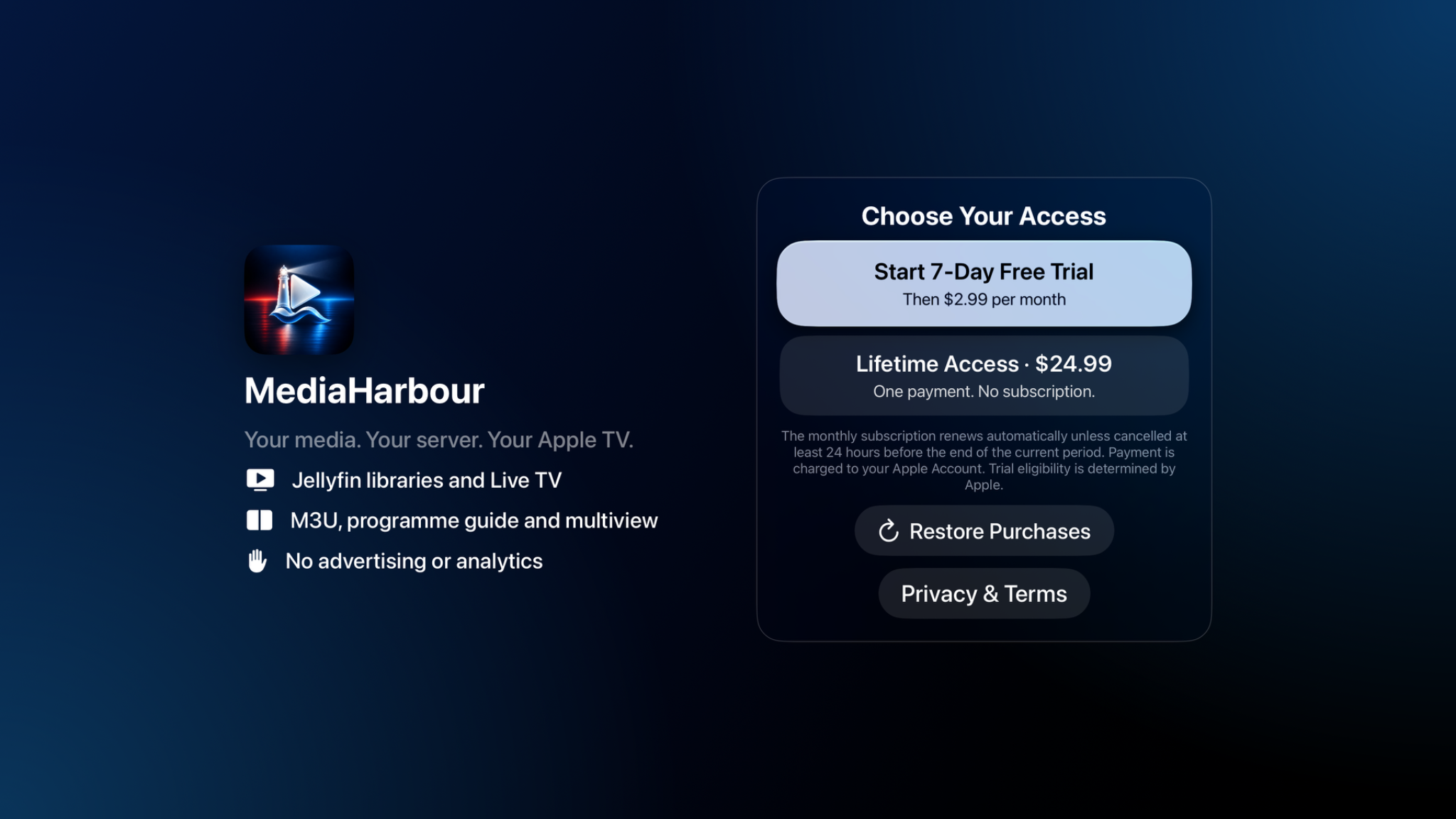
MediaHarbour is designed around your Jellyfin server and your authorized IPTV sources. Your server can run on a NAS, computer, Docker host, or home server.
Jellyfin setup guide →Your actual address may be different. MediaHarbour can also discover compatible Jellyfin servers on your local network.